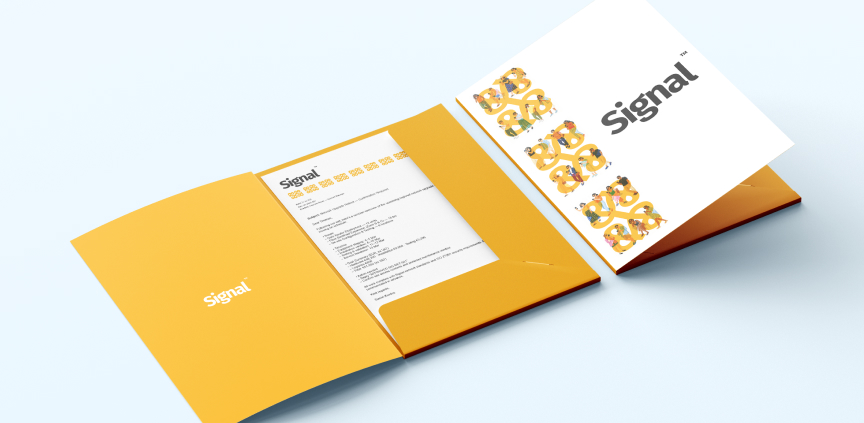
No, they’re not just for stashing away documents. Representative corporate folders are a practical, polished tool for presenting your business. Here are some reasons they deserve your attention.
✔️ First impressions matter
A unified visual presentation looks professional and builds trust. Match your folders with your business cards, which fit neatly into the inner business card slit. Add a flyer, discount coupon or samples and you’ve got a unique promo pack that builds a great impression at every meeting. Whether you’re heading to a business meeting, hosting an event or a conference, a practical folder will hold all your corporate print materials – and we can align them with your brand into one cohesive design!
✔️ Professional order
Folders are ideal for organising corporate documents – contracts, HR paperwork, training materials or onboarding packs. Create an original brand design that strengthens company culture and reminds the whole team of your values.
Always remember that at Expresta we can arrange custom printing for your folders. With every order, you get 30 minutes of graphic design work for free, so if you need to fine-tune the design of your folders, we’ll be happy to help! So, are you ready to make the most of folders in your company?
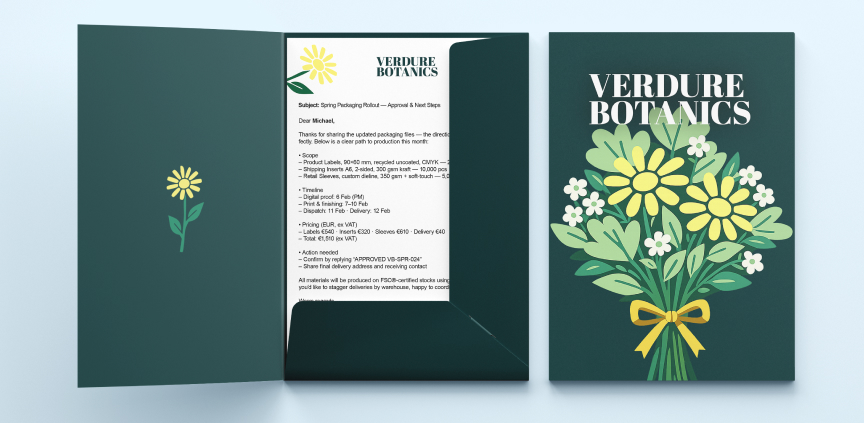
Frequently asked questions about corporate folders
1. What format and capacity should I choose?
The most common size is A4. Choose the spine depth by the number of sheets you need to insert. A version without a spine is enough for a few sheets; about 5 mm can hold roughly 40–60 sheets (80 gsm) and around 10 mm about 80–100 sheets.
Tip: An inner business card 90 × 50 mm slit means your customer gets your contact details along with the folder.
2. How much does production cost and from what’s the minimum quantity to make it worth it?
Price depends on quantity, paper weight and surface finishing (lamination, soft-touch, spot UV or foil). You can quickly get a quote from our online calculator.
3. How do I prepare print files, so everything works the first time?
Work using CMYK and select images of at least 300 dpi. Convert text to outlines to avoid shifting. Request the die-cut template – it defines the folder outline, flaps, and creases (scoring). Set 2.5–3 mm bleed around the edges and keep key elements at least 3–5 mm from the folds and die-cuts. Finally, export everything to a print-ready PDF.


